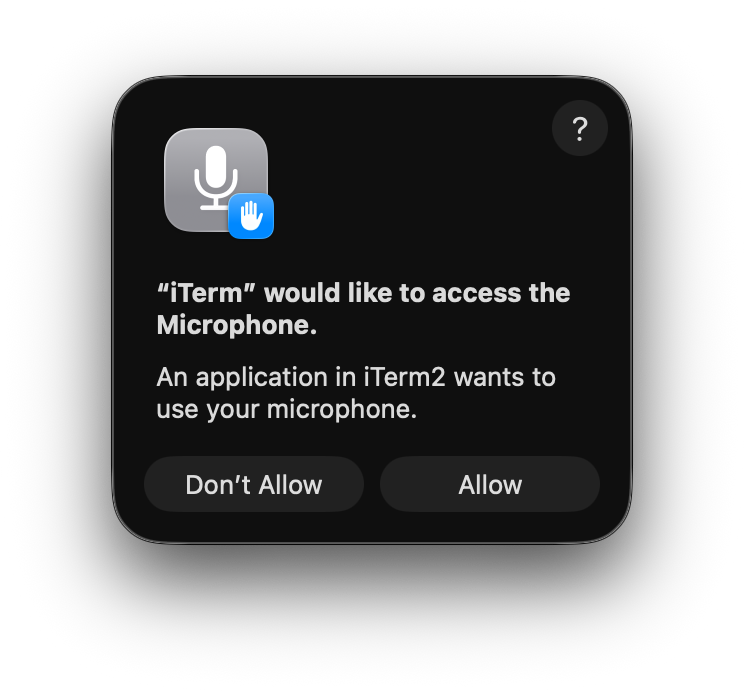
Claude Code introduced voice mode.
I wanted to try it out but my iTerm2 had no microphone permission on macOS.
Before the horrific UX downgrade that is Thaoe, I would had clicked a + button in the Privacy & Security > Microphone, but the option is no longer there.
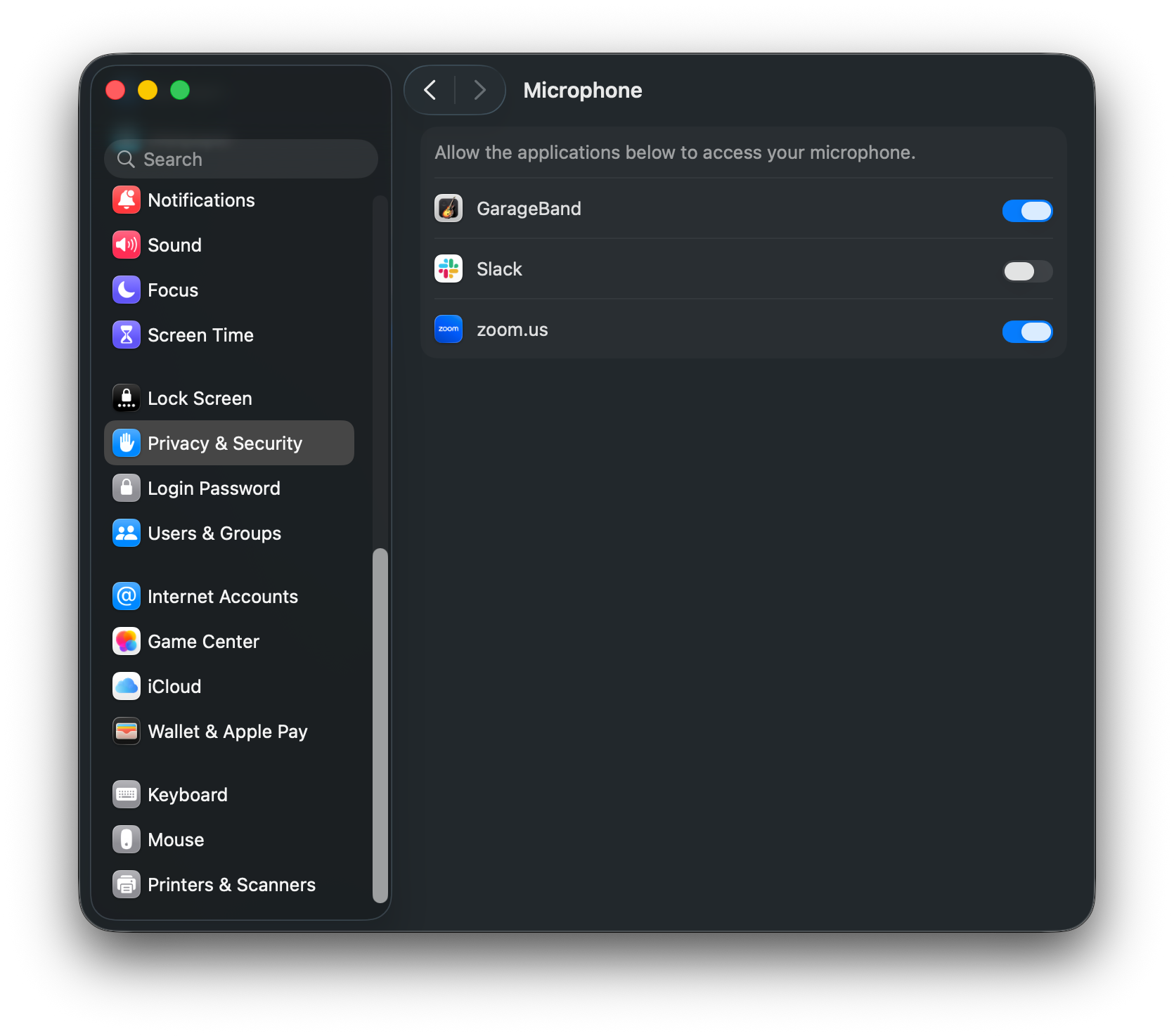
I tried dragging and dropping iTerm2 from the doc to the settings, but it did not work.
After some more trial and error, I found the following snippet to be capable of triggering the microphone permission prompt.
First, reset the permission request status, just in case:
tccutil reset Microphone com.googlecode.iterm2Then, run a command that requires audio input:
swift -e 'import AVFoundation; AVCaptureDevice.requestAccess(for: .audio) { granted in print(granted ? "Granted" :
  "Denied"); exit(0) }; RunLoop.main.run()'
Tada!